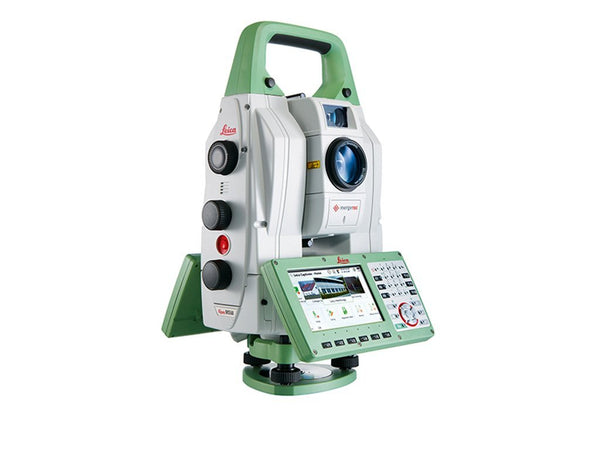
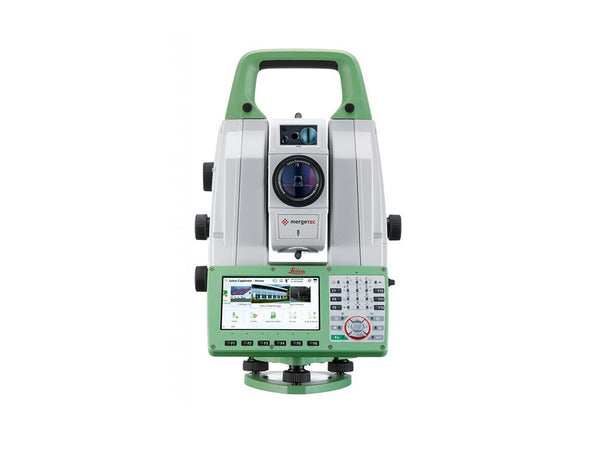
Total Station Training
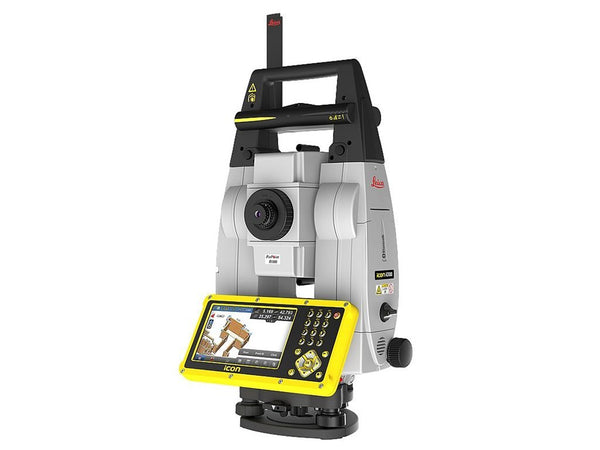
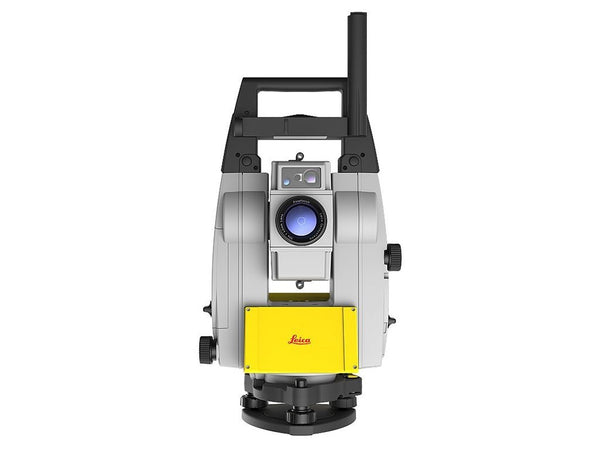
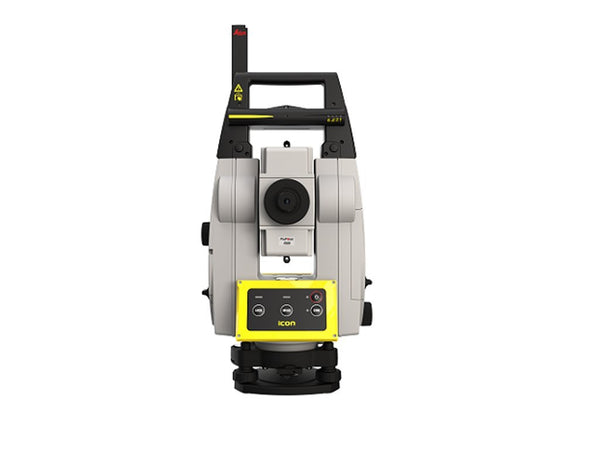
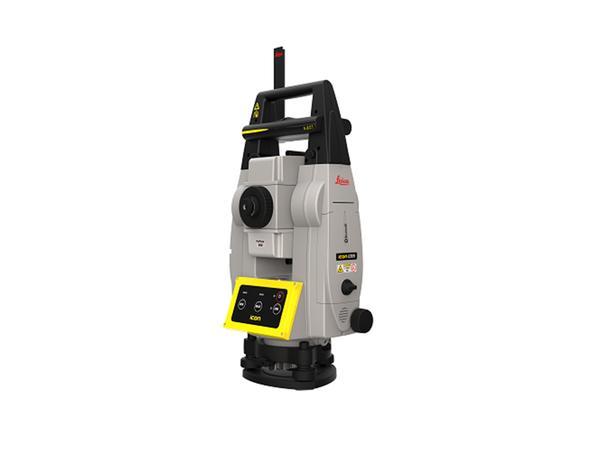
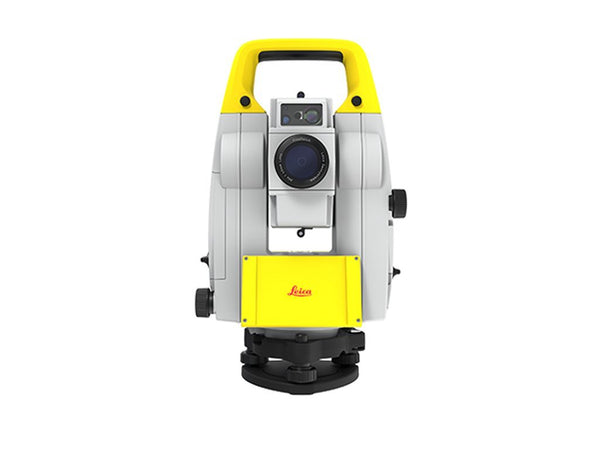
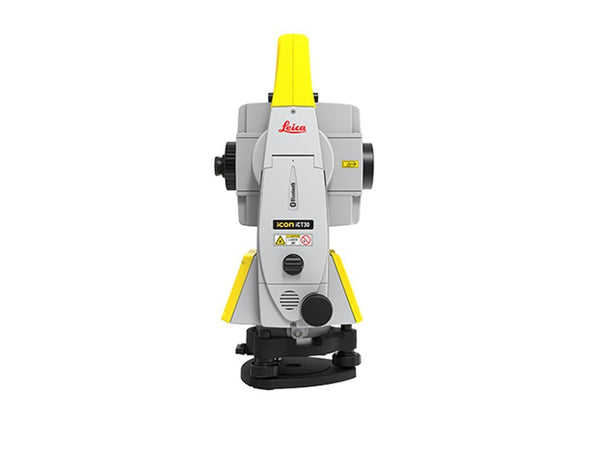
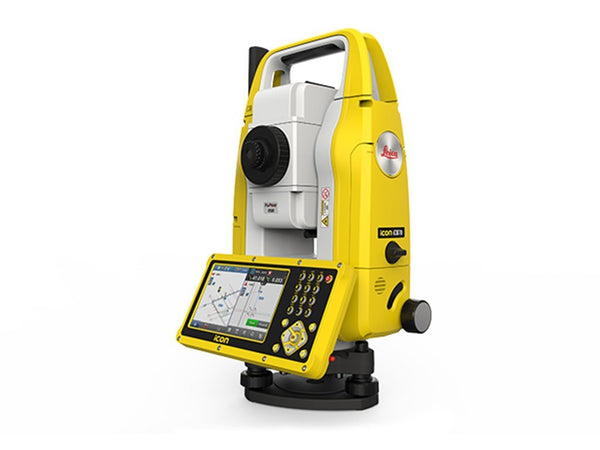
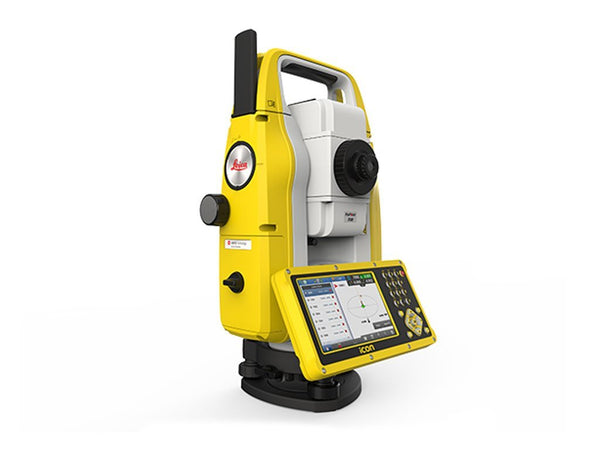
A robotic total station will not teach you where to set up or how to check a resection before it costs you a day. We train your crew one-on-one, on your site, on the instrument you already own.
Request trainingWhat a session covers
Built around the work your crew does this month, not a syllabus.
Setting out from the model
Layout with a robotic total station: control, resections, backsights, and the checks that catch a bad setup in the first ten minutes rather than at the end of the day.
When the model and the slab disagree
What to trust, what to re-shoot, and how to record the difference so the office can act on it. This is the situation that generates most of the support calls.
iCON Field, end to end
Getting the model out of the office, onto the instrument, and the as-built data back again, without a translation step in the middle.
GPS and GNSS alongside
Rover setup, correction sources, coordinate systems, and knowing when GNSS is the wrong tool for the tolerance you are working to.
Reality capture, if you run both
Scanning method rather than button pressing: how many setups, where to put them, and checking coverage before you leave site.
Something specific?
Tell us the instrument and what your crew keeps getting stuck on. That is what the session gets built around.
Request training →How it works
One-on-one, not a classroom
Personalized, so your crew grasps the technique on the work they actually do rather than on a demo site.
On your site, on your instrument
Using your control and your model. What is learned transfers, because nothing has to be translated afterward.
A named support team afterward
For the urgent request, the last minute question, and the thing that only comes up on week three.
Kept current
Firmware, software and method change. We keep clients current rather than leaving them on the version they were trained on.
Why this is the part people skip
Modern instruments are approachable. Most crews are productive on an iCON robot inside a day, and that is exactly what makes training easy to skip.
What training changes is method. How many setups, where to place them, how to tie into control, how to check the data before leaving site. That is where the difference between usable and unusable data lives, and it is not in the manual.
If your first project on the instrument matters, half a day is cheap insurance.
See the iCON Field video tutorials →
We are an authorized Leica Geosystems Service and Distribution Partner. We sell, rent, service and train on everything we supply, from our own calibration center in Boise.
We travel to you
All 50 states. We can usually work around a live job rather than pulling a crew off one. Tell us the instrument, the crew size and where you are.
Request training Talk to our team →